
Self-Showing Software with Verification: Best Practices for Multifamily Communities
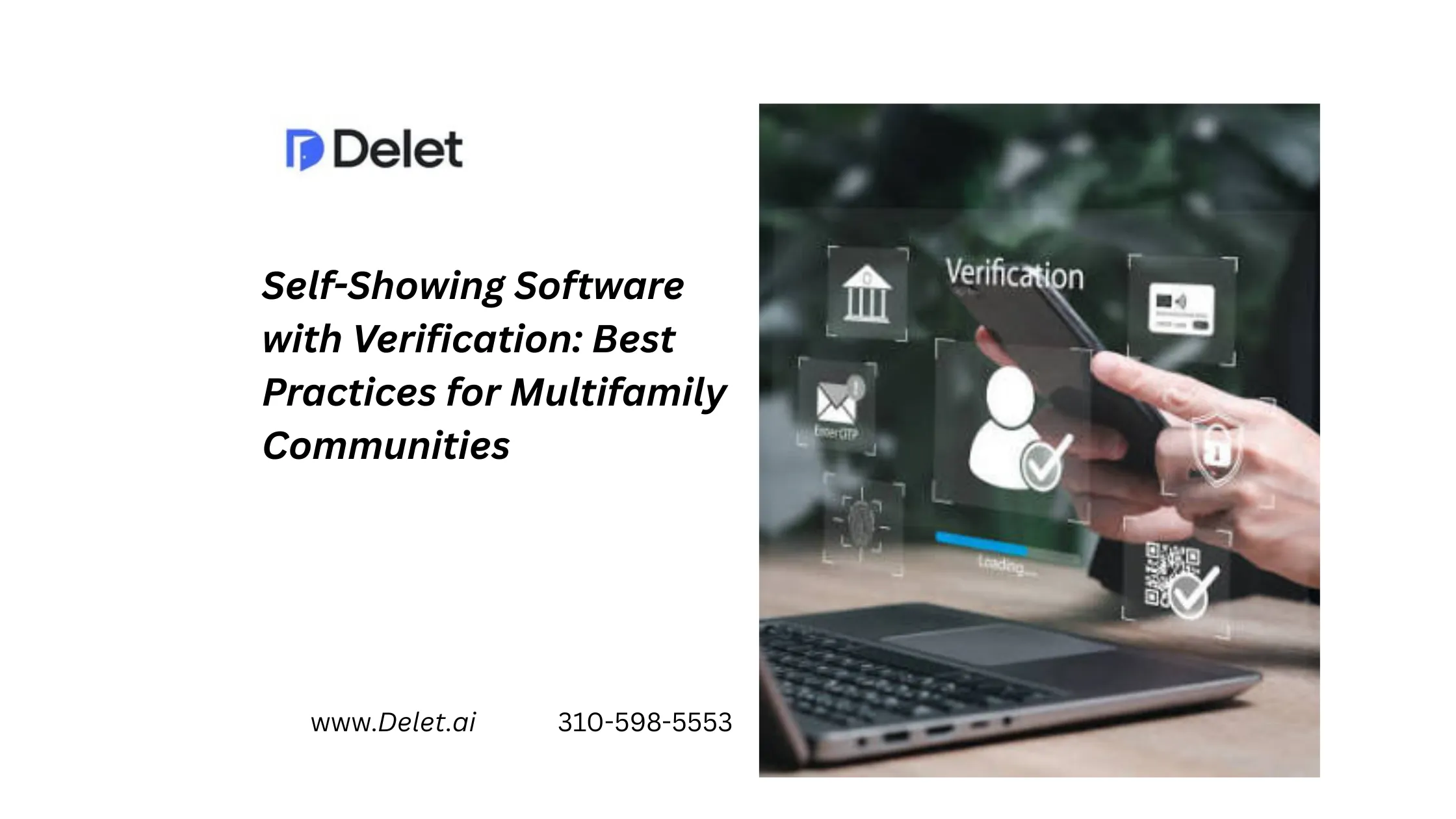
Self-showing software with verification gives multifamily communities a way to offer apartment self tours without giving up control over who enters a vacant unit. The best systems connect visitor identity verification, smart lock integration, temporary access, real-time tour monitoring, and centralized property data into one workflow.
This matters in the U.S. rental market, including California, where renters increasingly expect flexible touring options. Rently’s 2026 survey of 800 U.S. renters found that 68% had lost interest in a rental because scheduling a tour was too difficult, while 42% preferred a self-guided tour as their first tour format.
The goal, however, is not simply to let someone unlock a door. It is to make the process convenient for legitimate renters and accountable for property teams.
What Is Self-Showing Software With Verification?
Self-showing software allows a prospect to schedule and complete an apartment tour without a leasing agent physically accompanying them.
A secure workflow typically includes:
- Online tour scheduling
- Visitor identity verification
- Smart lock or controlled access
- Time-limited credentials
- Tour activity records
- Real-time monitoring
- Centralized property dashboards
- Post-tour lead and leasing data
The important distinction is verification before access. A self-tour should not mean unrestricted access to a vacant apartment.
Why Identity Verification Matters
Unaccompanied tours create a legitimate security concern: the property team needs to know who is entering the unit.
Verification can include government-issued ID checks, selfie or biometric matching, phone and email validation, or other configured screening methods. Rently, for example, describes a multi-step process involving government ID, selfie matching, contact information, and additional verification.
ShowMojo also offers automated identity-document verification and anti-fraud screening as part of its showing workflow.
For operators, the best practice is simple:
Verify identity before issuing property access.
This creates accountability while reducing the need for leasing staff to manually verify every visitor.
Best Practices for Secure Self-Showing
| Best Practice | What It Solves | What Operators Should Look For |
| Identity verification | Unknown visitors | ID and identity validation before access |
| Smart lock integration | Physical keys and lockboxes | Digital, controlled entry |
| Time-limited access | Shared or reused credentials | Access that expires automatically |
| Real-time monitoring | Limited visibility | Live HD camera or tour monitoring |
| Centralized dashboard | Fragmented information | One place for tours, access, and prospect data |
| Access history | Security investigations | Time-stamped entry records |
| Clear renter instructions | Failed tours | Simple arrival and entry guidance |
| Post-tour follow-up | Lost prospects | Automated or staff-assisted follow-up |
Make Verification Secure Without Creating Friction
Security and conversion should not work against each other.
If verification requires too many steps, prospects may abandon the tour. If verification is too weak, property teams may expose vacant units to unnecessary risk.
The better approach is a progressive, clearly explained verification process.
Tell prospects:
- Why verification is required
- What information they need
- When access will be issued
- How long their access will remain active
- Who to contact if they have trouble
This is particularly important for multifamily communities because a poor verification experience can affect the property’s overall perception.
Smart Locks Should Be Part of the Workflow
A smart lock is more useful when it is connected to the touring system.
Instead of manually sending a permanent code, the platform should generate controlled access for the verified prospect and the scheduled tour window.
Rently and other self-tour providers use time-restricted access credentials to control property entry.
For multifamily operators, look for:
- Smart lock integration
- Remote access control
- Temporary credentials
- Automated expiration
- Individual unit permissions
- Access history
This turns a smart lock from a standalone device into part of a property access automation system.
Add Real-Time Tour Monitoring
Identity verification tells you who is authorized.
Monitoring helps you understand what is happening during the tour.
For higher-risk or high-value properties, live HD camera monitoring can provide an additional layer of visibility. Delet, for example, positions live HD camera streams alongside smart-lock access and remote access control.
A strong monitoring workflow can help teams:
- Monitor active tours
- Confirm activity at the property
- Investigate unusual access
- Review tour events
- Maintain better operational visibility
The important point is that cameras should support the access workflow rather than operate as an unrelated security product.
Use a Centralized Property Dashboard
Portfolio operators should not have to check multiple systems to answer basic questions.
A centralized property dashboard should make it easy to understand:
Who booked? → Who was verified? → Who received access? → When did they enter? → Did they complete the tour? → What happened next?
This information can help leasing teams prioritize follow-up based on actual prospect activity rather than assumptions.
Rently highlights tour analytics and CRM-connected data, while SmartRent’s self-guided touring solution emphasizes centralized monitoring, tour activity tracking, and operational oversight.
What Competitors Often Miss
Many self-tour platforms focus heavily on one part of the experience: scheduling, access, verification, or leasing automation.
For multifamily operators, the real value comes from connecting these components.
A strong system should not treat security and leasing as separate workflows.
For example:
Verified prospect → approved tour → controlled access → monitored visit → tour data → leasing follow-up
That creates a more complete operating model than simply providing a digital key.
This is also where Delet differentiates its positioning. Its platform combines smart locks, identity verification, live camera monitoring, centralized management, and leasing workflows rather than treating access as an isolated feature.
A Practical Example for a California Multifamily Community
Imagine a California apartment community has several vacant units but only one leasing professional on-site.
A prospect discovers a unit after business hours.
Instead of waiting until the next morning:
- The prospect requests an apartment self tour.
- The system verifies the visitor’s identity.
- The approved prospect receives controlled smart-lock access.
- The access is available only during the scheduled tour.
- The property team can monitor the visit where supported.
- Tour activity is recorded in the centralized dashboard.
- The prospect can receive follow-up information after the visit.
The leasing team spends less time coordinating access while the prospect gets a faster experience.
That is the real purpose of self-showing technology: remove unnecessary friction without removing security.
Common Mistakes to Avoid
Using a permanent access code:
Permanent credentials increase security risk. Use temporary access whenever possible.
Skipping identity verification:
Convenience should not mean unknown visitors receive unrestricted access.
Treating cameras as a separate system:
Monitoring becomes more useful when it connects with tour and access activity.
Making verification unnecessarily complicated:
Every additional step can create conversion friction.
Ignoring post-tour activity:
A completed tour is not the end of the leasing funnel. Follow-up still matters.
Buying technology without evaluating integrations:
The platform should fit your property management, CRM, access-control, and leasing workflows.
How to Evaluate Self-Showing Software
Before selecting a platform, ask:
- Does identity verification happen before access?
- Can access credentials expire automatically?
- Does the platform integrate with smart locks?
- Can managers monitor active tours?
- Is there a centralized property dashboard?
- Is access history available?
- Can the system support multiple properties and units?
- Does it integrate with existing leasing workflows?
- Is the renter experience simple enough to complete without staff assistance?
A useful rule is to evaluate the complete prospect journey, not individual features.
Conclusion
Self-showing software with verification can help multifamily communities balance two priorities that traditionally worked against each other: renter convenience and property security.
The strongest systems combine visitor identity verification, smart lock integration, temporary access, real-time tour monitoring, and centralized property dashboards.
For U.S. multifamily operators, including California property managers, the opportunity is bigger than offering another way to tour an apartment. It is about building a leasing process where qualified prospects can move forward quickly while property teams maintain visibility and control.
The best self-showing experience should feel simple to the renter and controlled to the operator.
That is the standard multifamily technology buyers should expect.
FAQs
Is self-showing software safe for multifamily properties?
It can be when identity verification, controlled access, time-limited credentials, and access records are used together.
How does identity verification work?
Depending on the platform, verification may include government-issued ID checks, selfie matching, phone validation, or other screening methods.
Can property managers monitor self-guided tours?
Some platforms provide real-time monitoring, camera feeds, access history, or tour activity dashboards. Delet specifically offers live HD camera monitoring with smart-lock access.
What should multifamily operators prioritize?
Prioritize identity verification, secure access, ease of use, monitoring, centralized reporting, integrations, and post-tour follow-up.
Does verification hurt tour conversions?
It can if the process is complicated. The best approach is to make verification quick, transparent, and clearly connected to property security.
September 14, 2026